
Navigation
Upload raw notes, an Excel or CSV file and your photos. The AI report generator turns figures into charts, picks the type and color, and designs every page as a polished PDF.

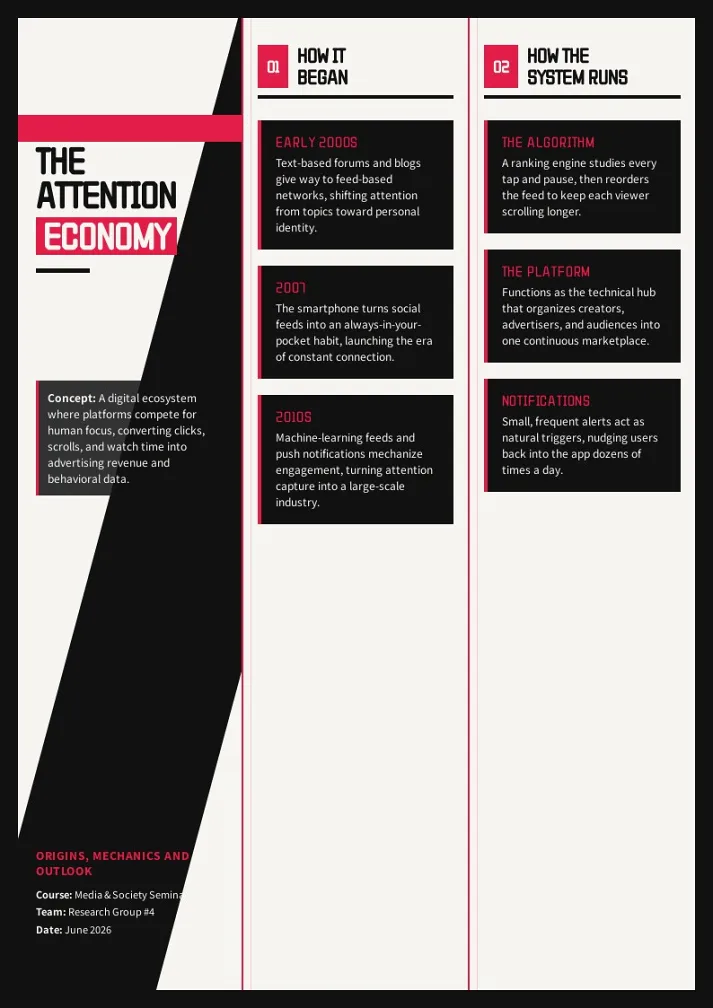
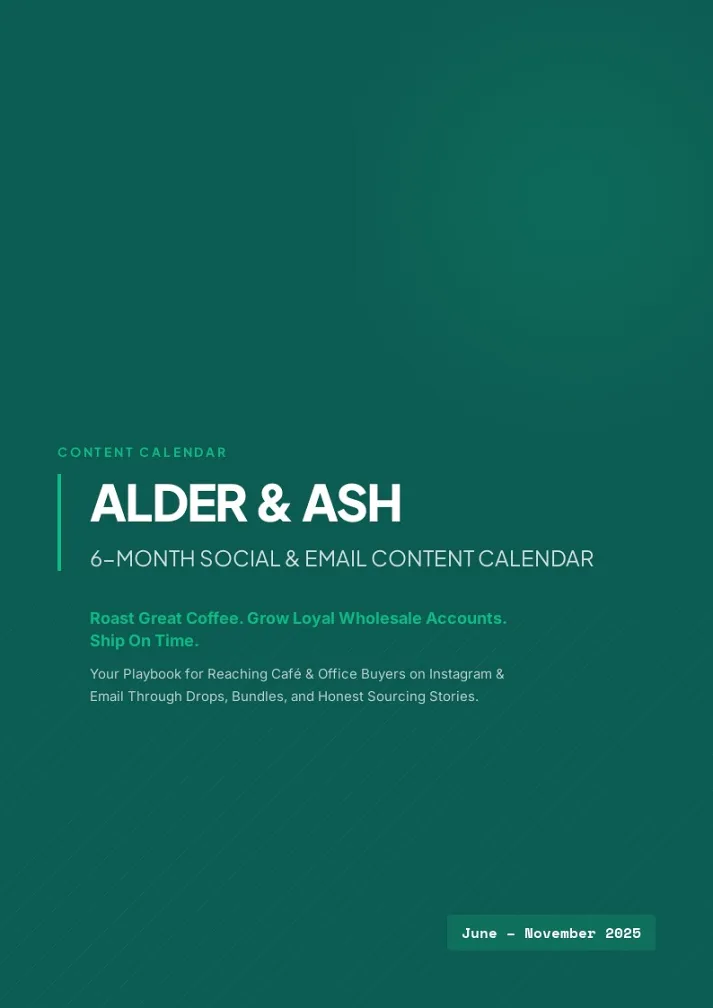

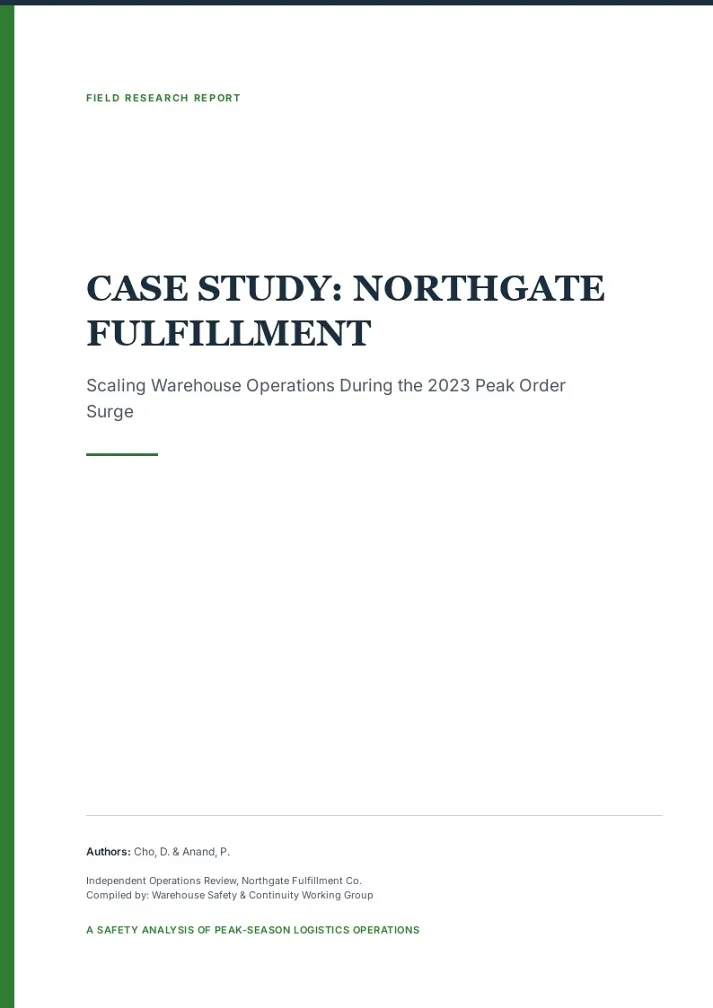
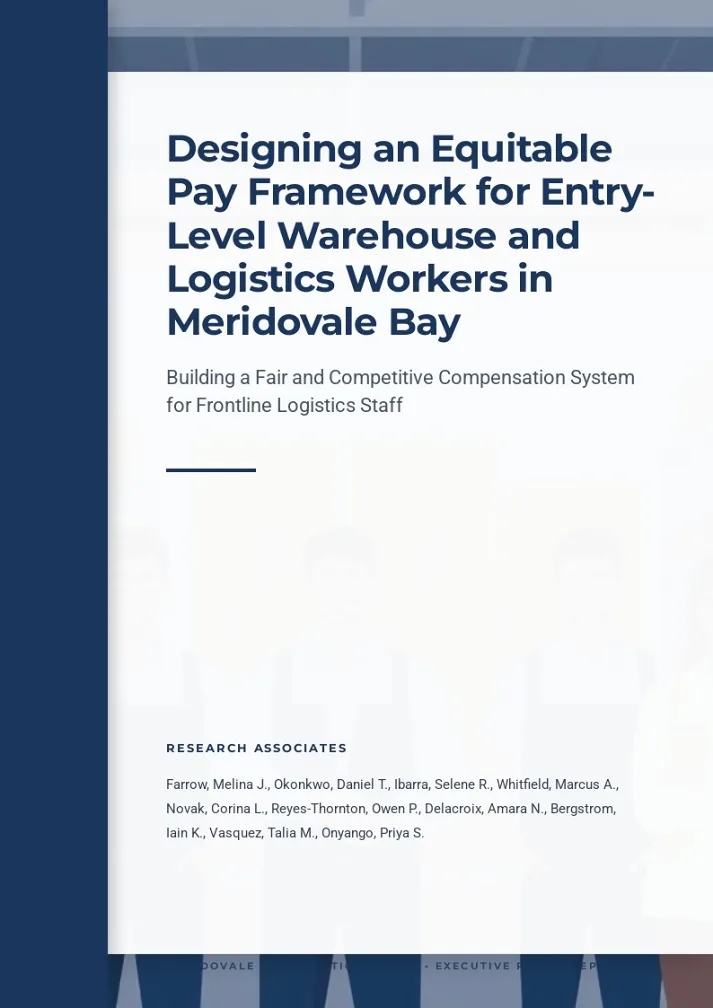
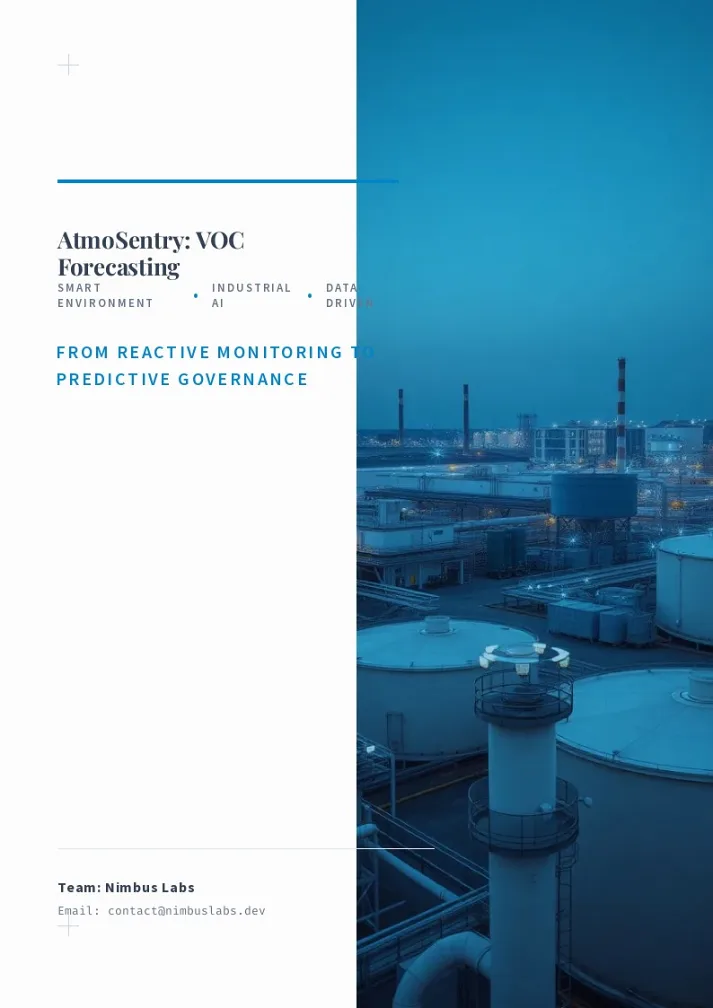

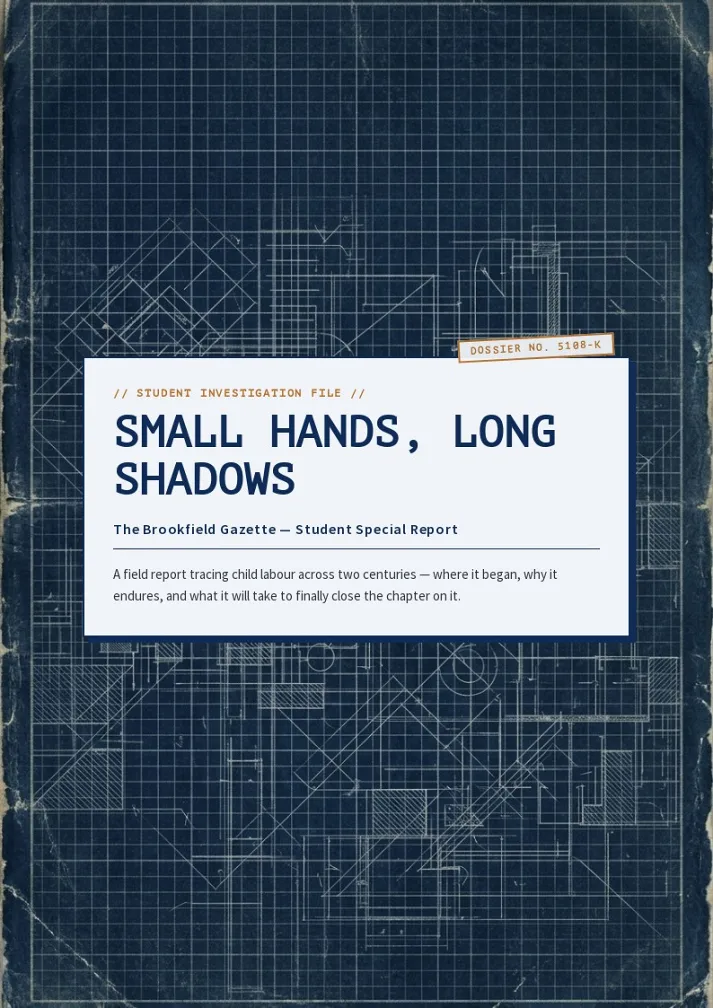


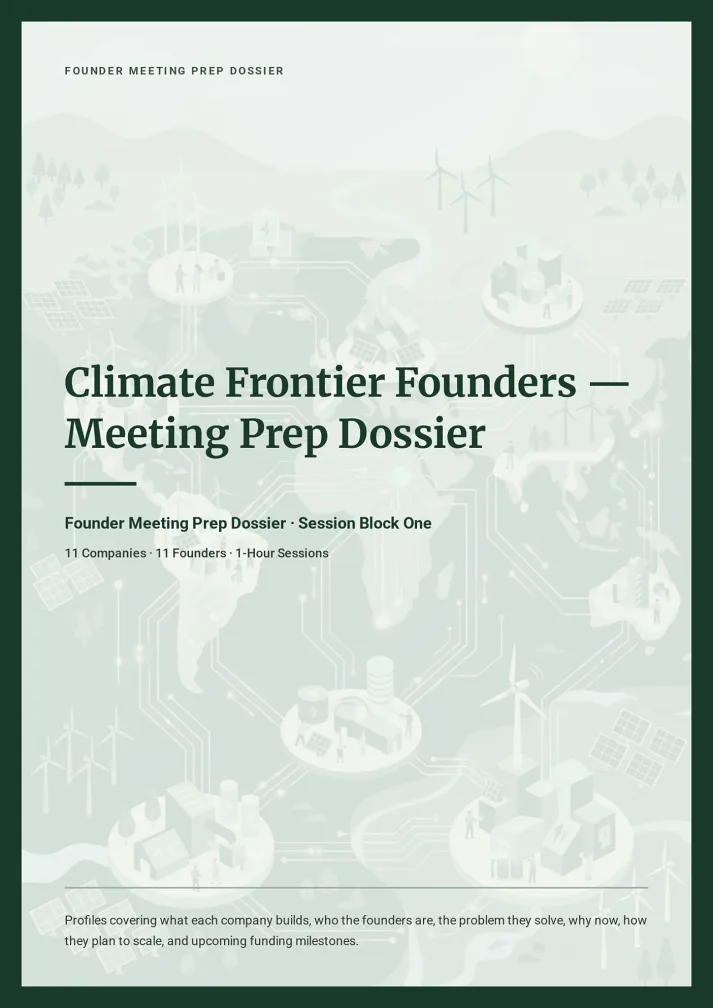

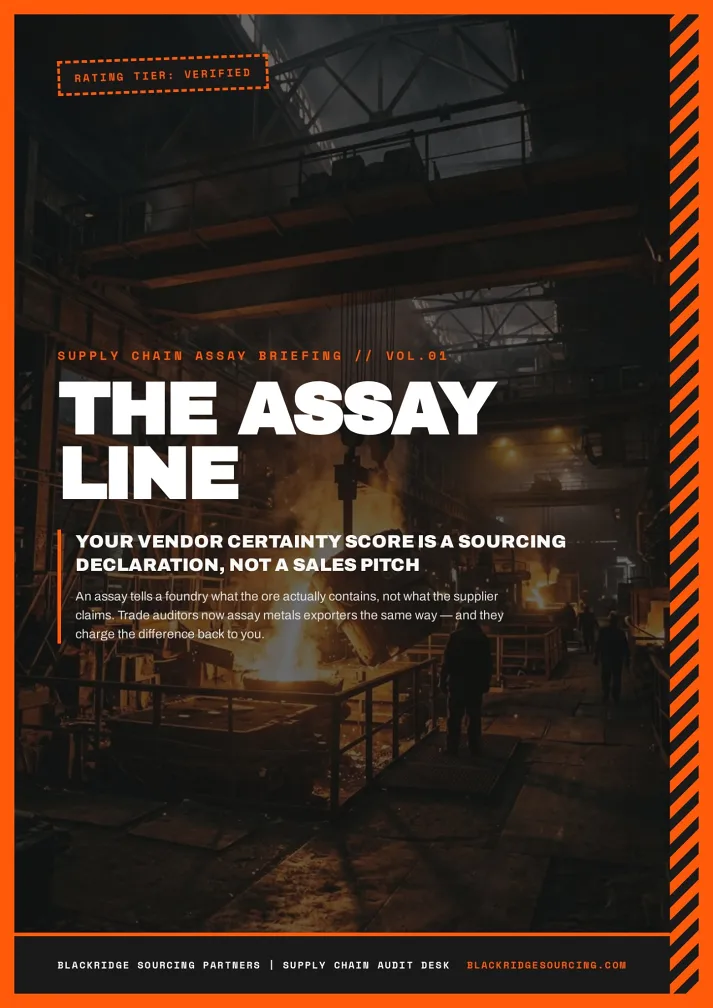
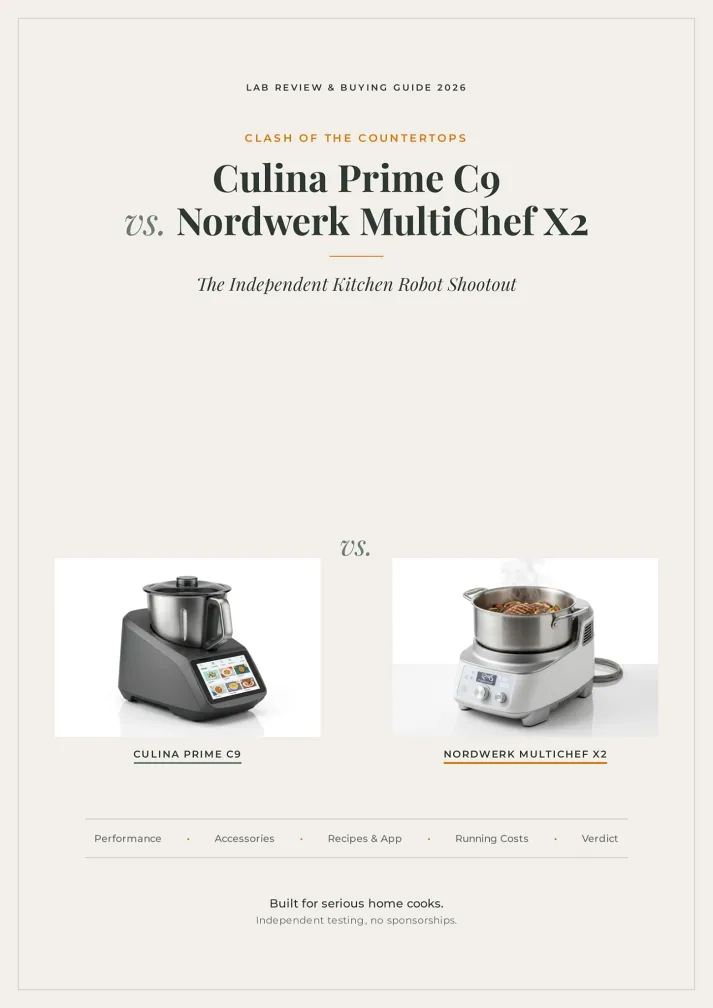
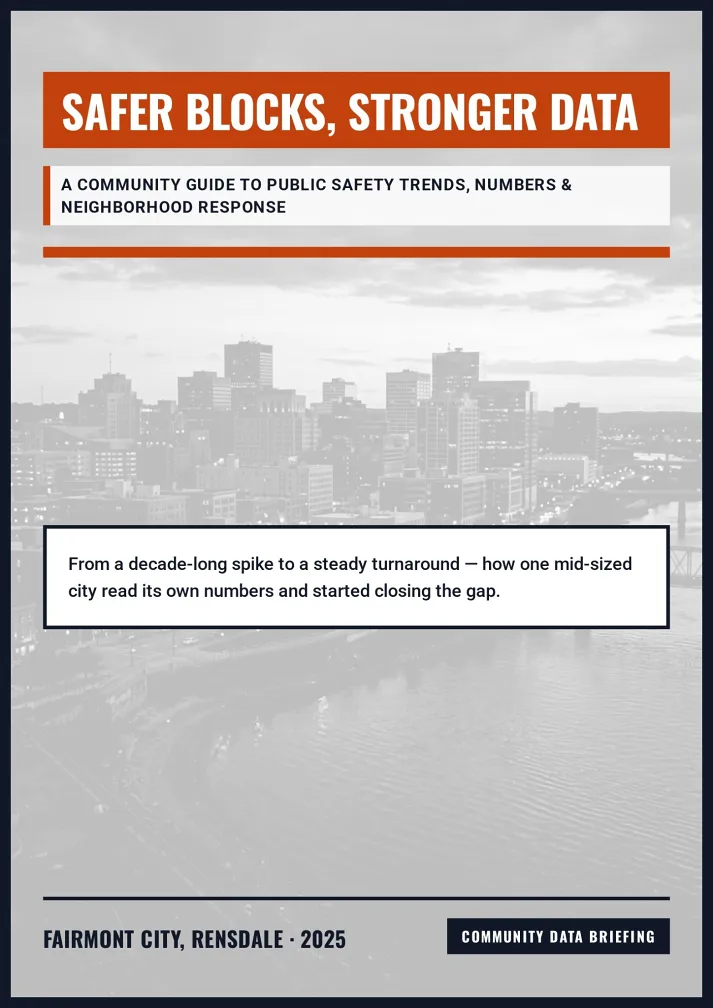




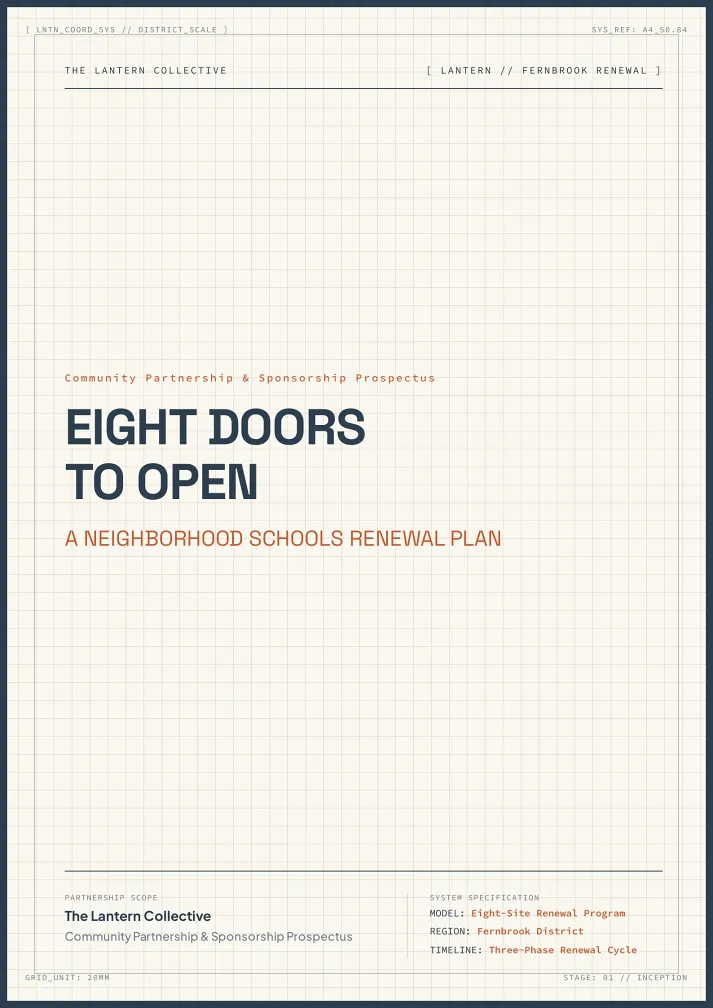
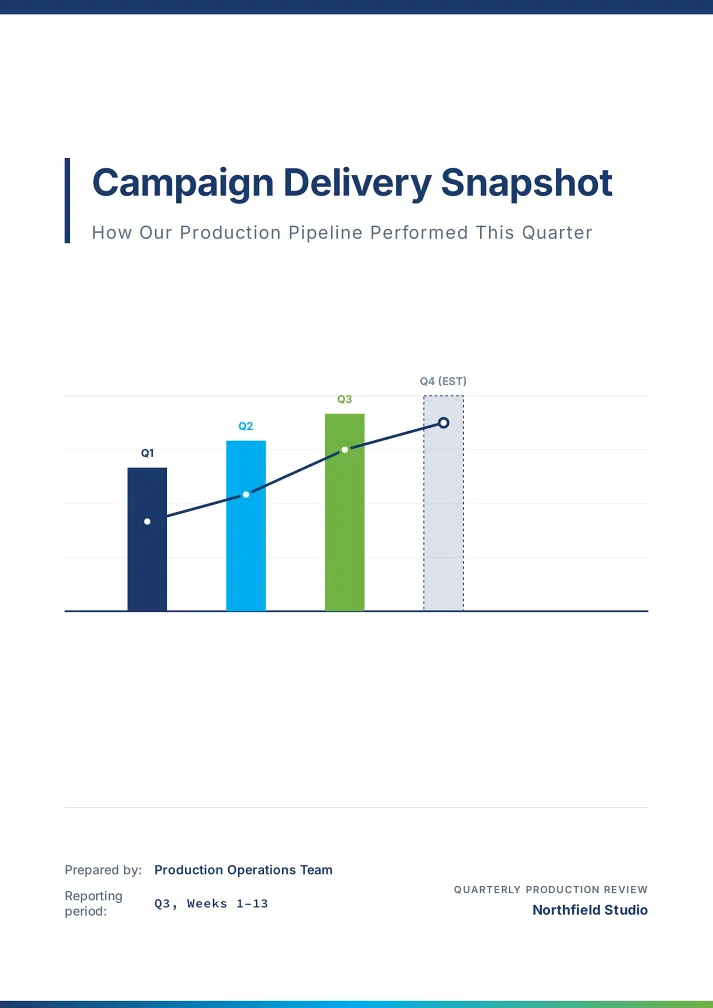


Share, choose, send. The AI report builder handles the words and the layout.
Add your raw notes, a PDF, Word or PowerPoint draft, an Excel or CSV file and your photos.
Every page is planned before any design starts. Adjust it, then pick one of six styles or a template.
Fix any page by chat or by hand, then download the PDF, share a link or present full screen.
For the reports someone important is waiting to read.


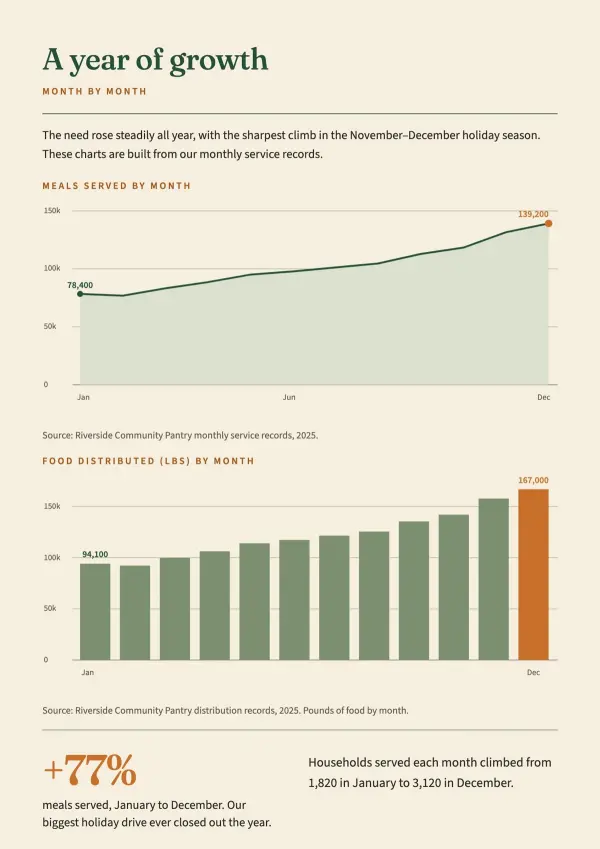
Funders skim walls of text. Upload your year's results and field photos, and get an impact report that is photo-led and eye-catching, with every photo kept under its heading.
For nonprofits & public programs

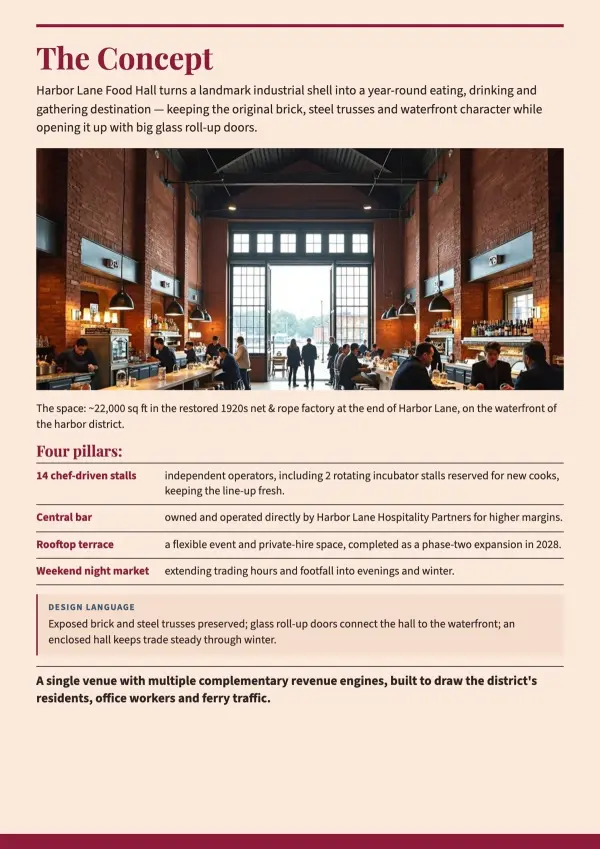
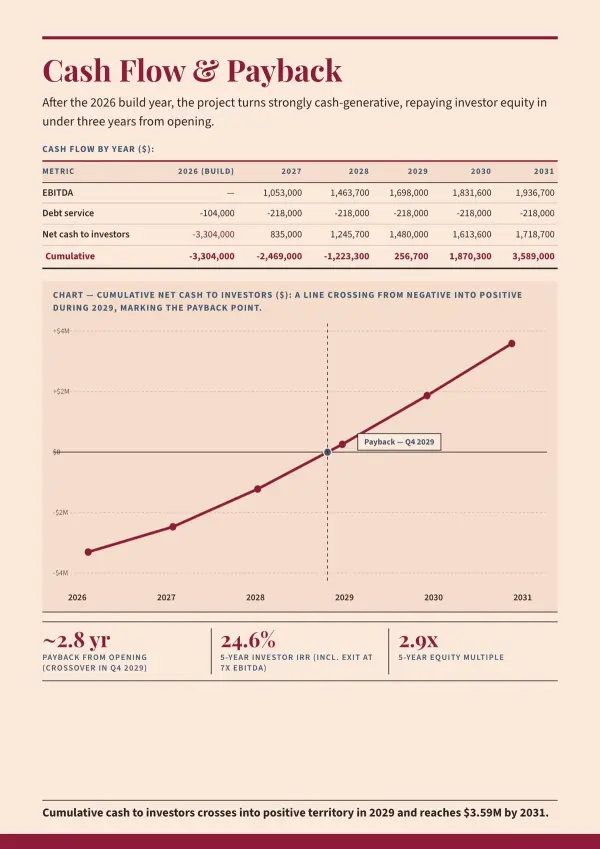
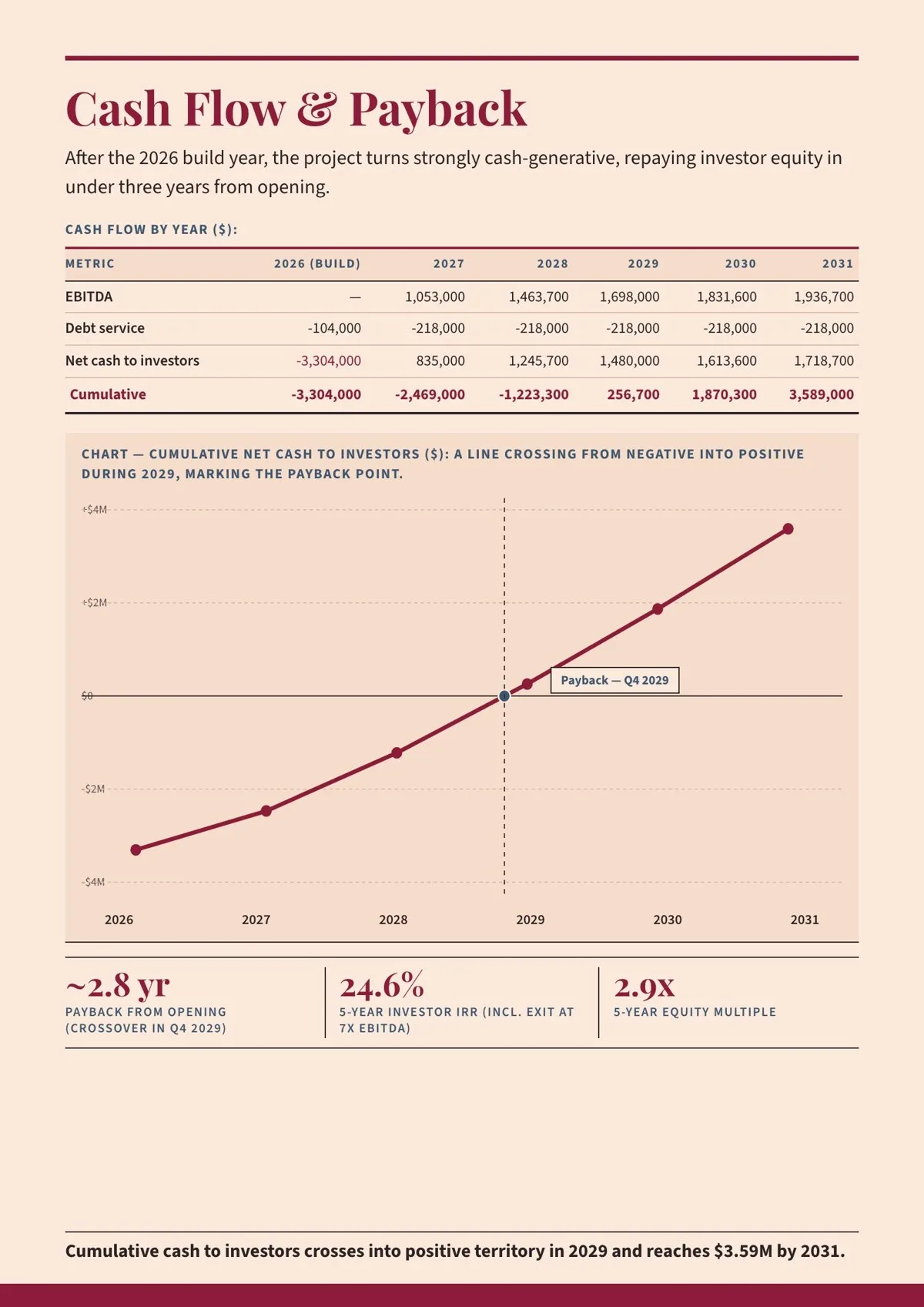
A lender wants to see when the money comes back. Upload your plan and Excel model, and the report gets a payback chart, your logo on every page and a contact page.
For founders & consultants

The format is already set by your organisation. Keep every section in order, place each meeting's photos where they belong and send a mission report you're proud of.
For field teams & delegations
An AI report builder for the drafts, spreadsheets, photos and logos you already have.
Same sections, same order, same headings, so the format you were given stays.
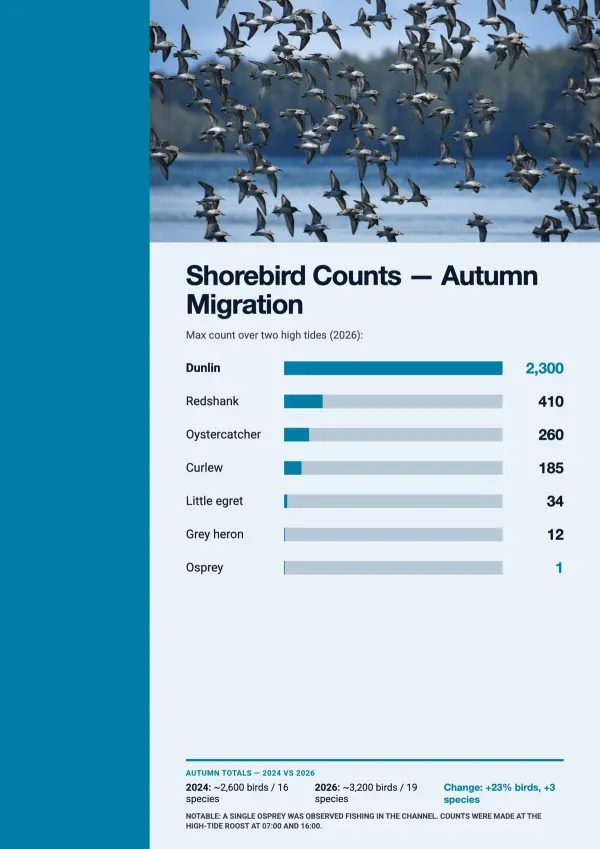
A CSV report generator too: each Excel or CSV sheet becomes clear charts.
Photos stay under the heading you chose. Your logo can sit on every page.
Nothing to learn: layout, type and color are set for you, page by page.
Spanish notes give a Spanish report. Need English for a funder? Just ask.
Get a print PDF with bleed and crop marks, or present it full screen.

Chat assistants leave you with paragraphs to paste, and report generation software hands you empty boxes.

Chat assistants give you paragraphs for Word. This AI report writer delivers finished, designed pages.
Template-based report generation software starts from its layout. This one starts from your draft and data.
Many tools stop at slides. You get pages to read and print, with tables, charts and captions.
Spend your hours on the idea — we'll handle the design
Straight answers about turning your own material into a designed report.
Yes. You can start free, with no card required. Unlike desktop report generation software, this AI report generator runs online in your browser, so there is nothing to install.
Yes. Tell the AI report builder to follow your document section by section, with the same order and headings, or let it regroup sections for flow. You decide before pages are built.
Yes. Upload an .xlsx or .csv file and the AI report generator reads each sheet as a table, then builds charts from your numbers. It works well as a CSV report generator for monthly or yearly figures.
Yes. Upload a spreadsheet or paste figures, and the AI report writer turns them into charts and tables. When numbers are missing, it asks how to handle them, such as clear placeholders.
Yes. Upload them with your draft or later in the chat and say where they go, such as a logo on every page or a signature on the last. You can also swap any image yourself in the page editor.
Yes. It searches the web, reads several sources and drafts the pages with real photos or AI illustrations. Students use it when a school report is due.
Yes. Write in your language and the AI report writer follows: Spanish, French, German, Portuguese, Chinese, Japanese and more. You can also ask for English from notes in another language.
As a PDF report generator, it gives you a designed PDF ready to email or print, plus an offline HTML version. You can also share a link or present full screen.
Most reports run 8 to 15 pages. Longer ones work too, with layout and page numbers kept consistent across dozens of pages.
Yes. This PDF report generator gives you a Print PDF with 3 mm bleed and crop marks, in A4 or US Letter. The Digital PDF is better for email and home printing.
Yes. Change text, move elements and swap images yourself in the page editor, or ask the AI to rework a page or a chart.
Yes. The AI report generator turns your plan into a proposal or business case with an executive summary, charts from your projections and a contact page.
Julius analyses spreadsheets with code, and Venngage gives you templates to fill yourself. This AI report generator starts from your draft and data and designs every page.
Bring your draft, spreadsheet and photos to the AI report generator, and leave with a report you're glad to send.